
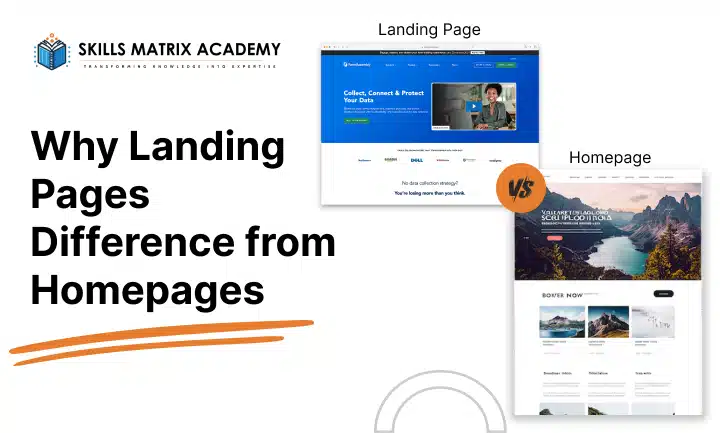
Custom Coded Landing Pages vs. Page Builders:
Which Should You Use?
SEO and Crawlability Static
If you’re a student building a landing page for a class project, client pitch, or portfolio piece,
you’ll eventually face this question: hand-code it in HTML/CSS/JavaScript, or build it in
Elementor or Unbounce? Both paths can produce a great result — the right choice depends on your goals, timeline, and skill set.
The Core Trade-Off
Page builders (Elementor, Unbounce, Webflow) use drag-and-drop interfaces, pre-built
templates, and visual editors. You can launch a polished landing page in hours without
writing code.
Custom-coded pages are built from scratch with HTML, CSS, and JavaScript (often with a
framework or static-site generator). They take longer upfront but give you full control over
every line of markup.
Speed and Turnaround
For a class project with a tight deadline, builders usually win. Templates, pre-styled sections, and built-in forms let you assemble a working page fast. Coding from scratch demands more setup time — but it’s also the better way to learn the fundamentals examiners often want to see in a portfolio.
Performance: Where the Numbers Matter
This is where custom code tends to have a real edge. Page builders generate extra markup to support their visual editors — nested divs, wrapper classes, and bundled CSS/JS that the page may not even use. One analysis found Elementor’s compressed core code is now almost 5 megabytes heavier than the WordPress platform it runs on, and unoptimized builder pages can carry as much as an extra 500KB each of CSS and JavaScript. Builder vendors acknowledge this directly: heavy nesting “bloats your Document Object Model (DOM) tree, forcing browsers to work harder to render your page,” and stacking a page builder on top of a feature-heavy theme creates what one performance guide calls a “bloat sandwich” of duplicated CSS and JS.
Why does this matter for conversions? A lot.
Google and Deloitte’s “Milliseconds Make Millions” research found that every 0.1-second improvement in load speed increases conversions by 8% in retail and 10% in travel. Portent’s analysis of over 100 million pageviews found ecommerce sites loading in one second convert roughly 3x higher than sites that take five seconds, and 53% of mobile visitors abandon a page that takes longer than three seconds to load. A hand-coded page with no unused libraries or wrapper divs starts from a lighter baseline — but a well-optimized builder page (clean theme, caching, lazy loading) can still perform well; the deciding factor is implementation discipline, not the tool alone.
Maintainability and Scalability
Builders shine for ongoing edits: marketers or non-coders can update copy, swap images, or run A/B tests without touching code — a major reason tools like Unbounce exist. Custocode requires a developer (or strong personal skills) for every change, but it scales more
predictably for complex, design-system-driven sites and avoids vendor lock-in
SEO and Crawlability Static
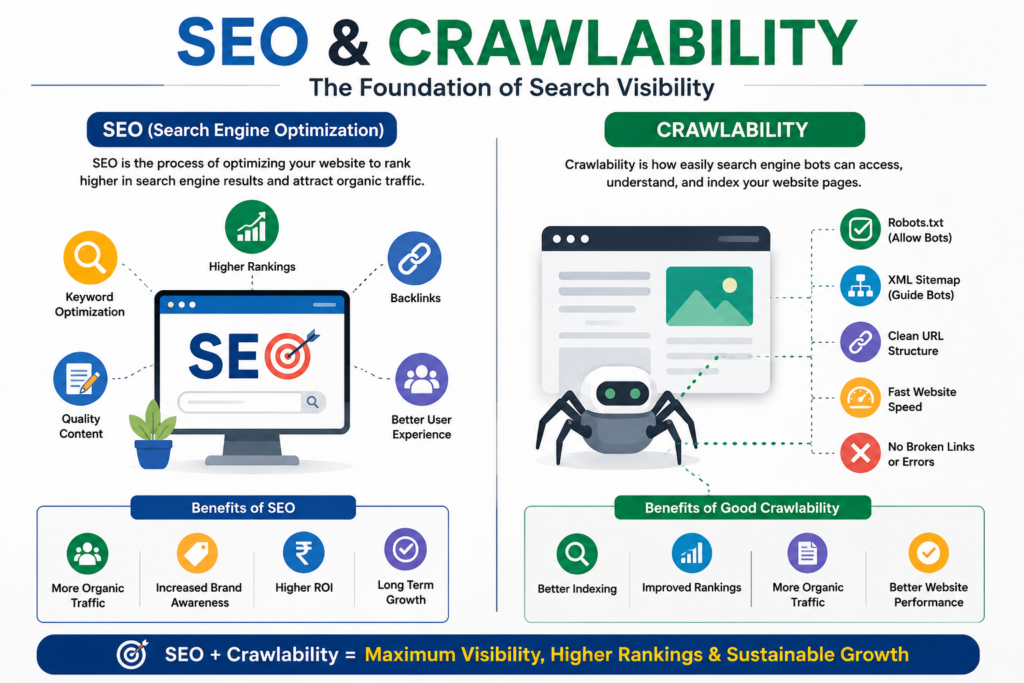
Hand-coded HTML is inherently easy for search engines to crawl and index — there’s less JavaScript-rendered content for crawlers to interpret. Builder pages can rank well, but bloated DOM and unused CSS/JS directly hurt Core Web Vitals, and page speed is a recognized ranking factor for search engines like Google. If a builder page isn’t optimized, its SEO can suffer relative to a lean custom build.
Cost and Resources
Builders carry subscription costs (Unbounce, paid Elementor add-ons) but save development hours — often the better ROI for a one-off assignment. Custom code has no licensing fees but costs more time, or a developer’s hourly rate, which matters more for production projects than for class work.
Responsiveness
Both approaches can be fully responsive. Builders include breakpoint controls out of the box; custom code requires you to write media queries and test across devices yourself — more effort, but better learning value and tighter control over exactly how elements behave.
Quick Decision Checklist
· Tight deadline, no dev resources? → Page builder
· Want to demonstrate HTML/CSS/JS skills? → Custom code
· Non-technical teammates will update it later? → Page builder
· Performance/SEO is graded or client-critical? → Custom code (or a meticulously
optimized builder page)
· Running A/B tests on copy/CTAs? → Page builder (built-in tooling)
· Building toward a portfolio or CS assignment? → Custom code
Conclusion
There’s no universally “better” option only the better fit for your project’s constraints.
Builders optimize for speed-to-launch and easy iteration; custom code optimizes for
performance, control, and skill-building. Many real-world teams even hybridize: a coded
shell with a builder-managed CMS layer. For a class project, the smartest move is to match
the tool to what you’re actually being graded on execution speed, or engineering depth.