
Most B2B marketers know LinkedIn matters. Fewer actually know how the pieces fit together — ads, content, InMail, ABM, Sales Navigator — as one system instead of five separate to-do items. That gap is exactly where campaigns stall out. You run an ad here, post content there, send a few InMails when someone remembers to, and wonder why the pipeline numbers don’t move. LinkedIn marketing services work when they’re built as a connected engine, not a checklist of unrelated tactics.
We covered why LinkedIn earns its reputation as the gold standard for B2B lead generation in an earlier piece. This one is about actually building the machine — the services, tools, and sequencing that turn LinkedIn from “a platform we’re on” into a repeatable demand gen channel.
The core services, and how they connect
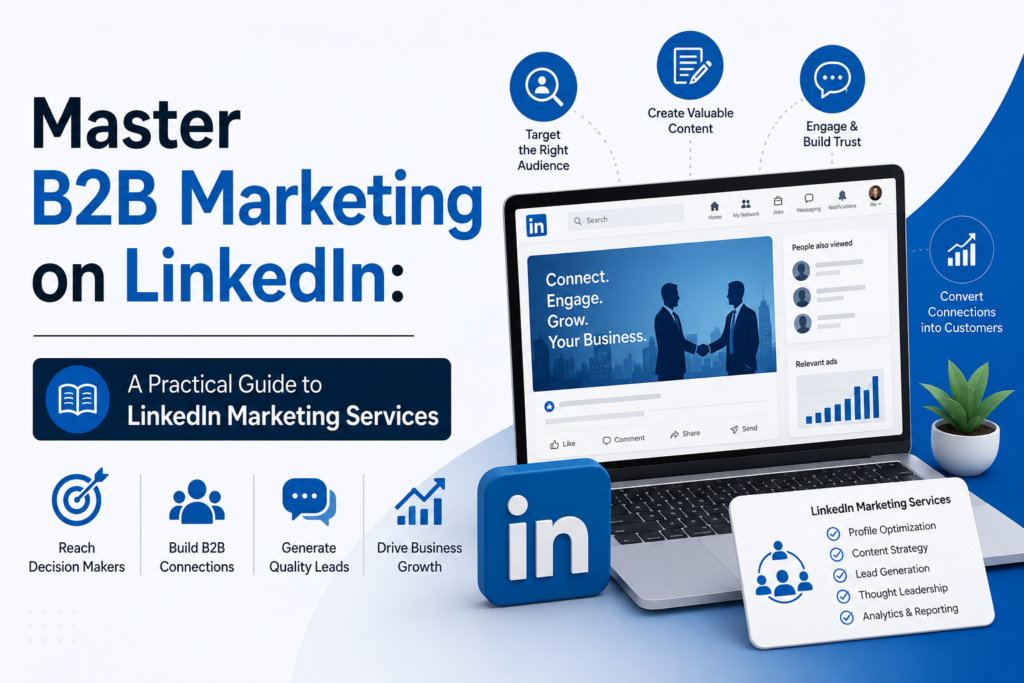
LinkedIn Ads are the paid layer — Sponsored Content, Lead Gen Forms, and InMail-based Message Ads, each suited to a different part of the funnel. Sponsored Content works for cold audiences who don’t know you yet. Lead Gen Forms cut friction for people ready to hand over their details. InMail earns its cost when the message is specific enough to feel worth a reply.
Content strategy is the layer that makes the ads work harder. A company page that only posts product announcements gives an ad no context to land in. Regular, genuinely useful posts — industry takes, case studies, short video — build the familiarity that makes someone more likely to click when your ad shows up in their feed. Video in particular tends to pull stronger engagement on LinkedIn than static posts, so it’s worth the extra production effort where you can manage it.
Outreach and social selling is the layer most teams underuse. Sales Navigator lets reps build and save lists of exactly the accounts and titles that match your ICP, then track job changes and signals that make outreach timely instead of random. Paired with a rep’s own LinkedIn presence — a profile that actually reads like an expert, not a resume — cold InMail converts noticeably better.
ABM ties it together for your highest-value accounts. Upload a target account list, layer the right job titles and seniority within those accounts, and run ads and outreach in parallel so the same names see your brand from more than one angle.
Setting it up without wasting a quarter
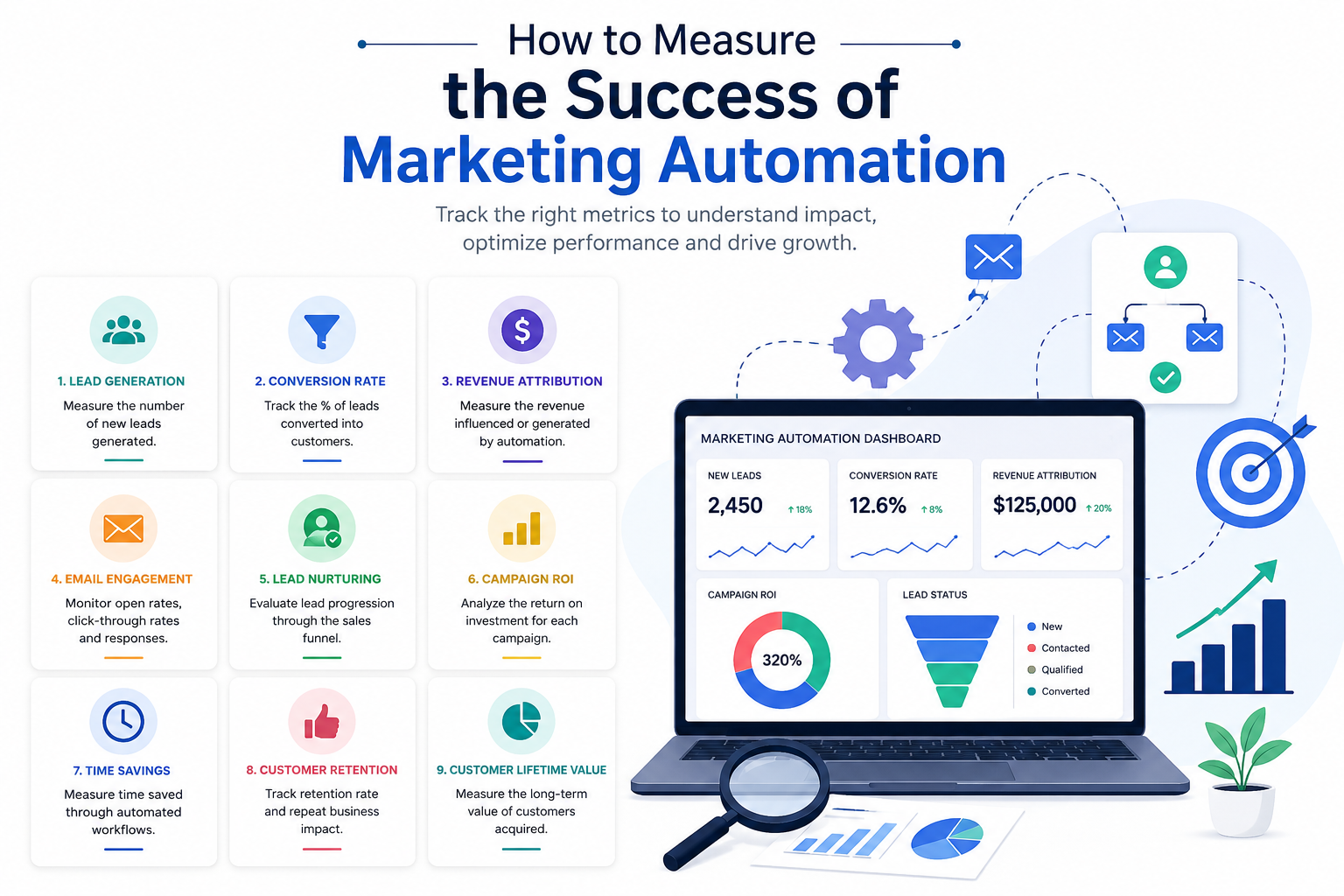
Start with measurement before you start with budget. Install the LinkedIn Insight Tag, connect Conversion Tracking, and decide upfront which numbers you’ll actually judge success by — cost per lead is fine as a first checkpoint, but MQL rate, SQL rate, and pipeline contribution are what tell you if the channel is working.
From there, sequence the build: company page and profile optimization first, since that’s what every ad and every InMail eventually points back to. Then a small content cadence — a few posts a week is enough to start. Then a first ad campaign, narrow rather than broad, so you’re not burning budget learning who your audience isn’t. Then layer in outreach once you have a baseline for what’s converting organically.
Give each stage a few weeks before judging it. LinkedIn’s ad algorithm needs a reasonable volume of conversion events before it optimizes well, and outreach cadences take a few touches to show their real response rate. Judging a campaign after four days tells you almost nothing.
What to measure, and what to ignore
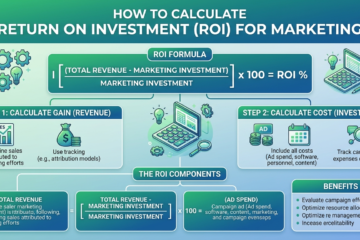
Impressions and likes feel good, but they don’t pay bills. Track cost per qualified lead, response rate on outreach, and — most importantly — how leads move through to SQL and pipeline. If the CPC still feels steep compared to other platforms, that’s the wrong comparison. Compare cost per qualified opportunity instead, and LinkedIn usually holds up a lot better.
Where to go from here
Reading about the framework only gets you so far — the teams that actually see results are the ones who build and iterate on a real campaign, not the ones who bookmark a guide. If you want a structured, hands-on way to actually implement this instead of piecing it together on your own, our premium course module walks through the full setup — targeting, creative, ABM, and measurement — with real campaign builds, not just theory. Enroll in the module and build your first campaign alongside the lessons instead of starting from a blank Campaign Manager screen.