

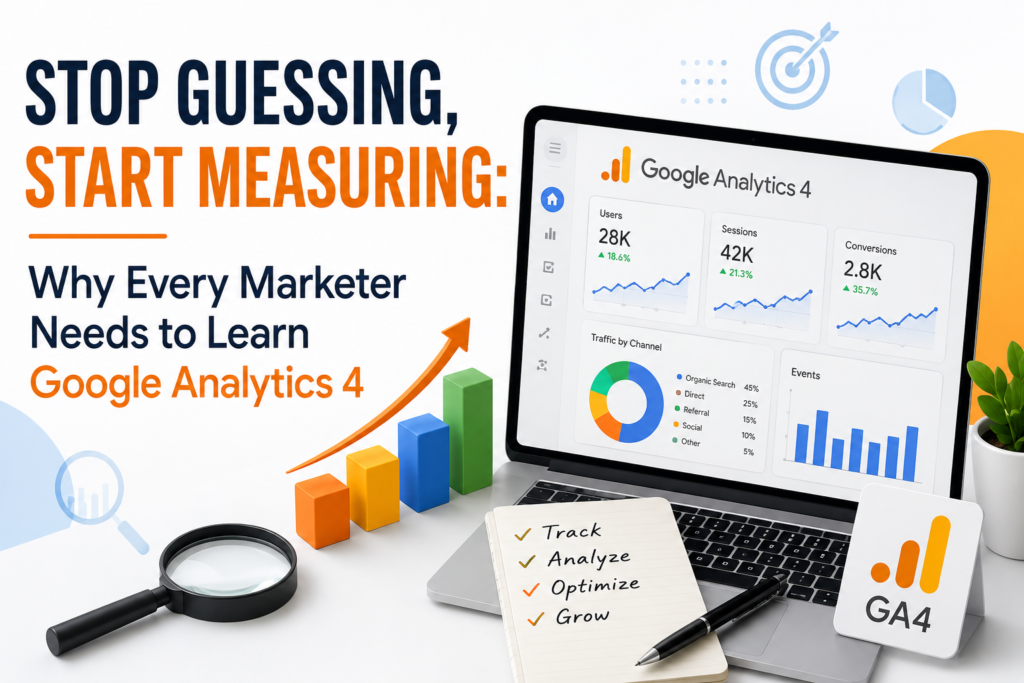
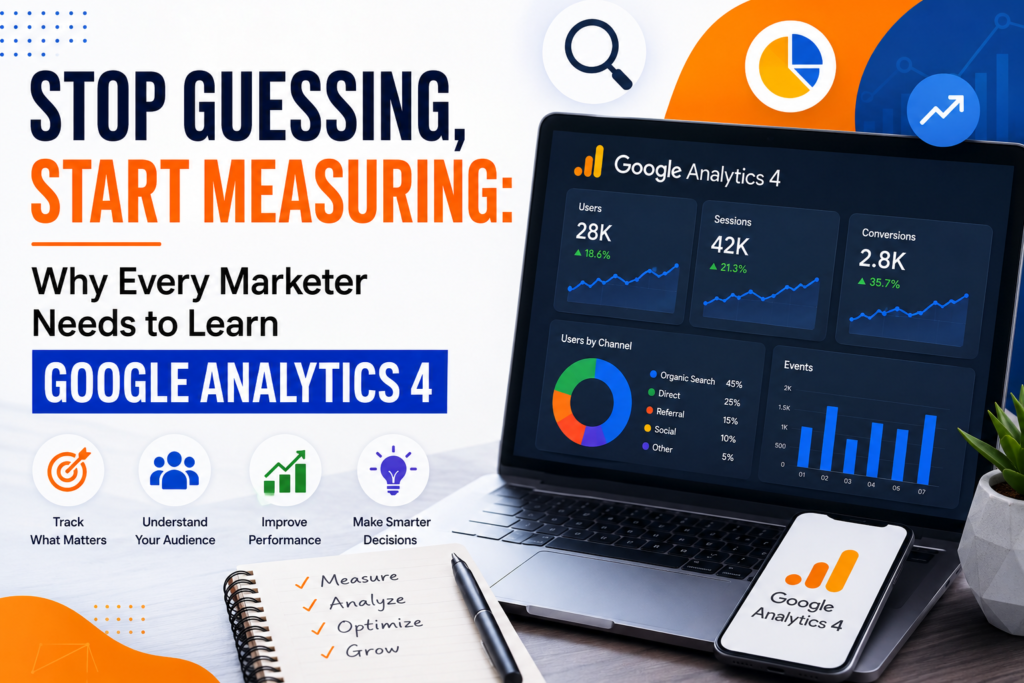
Stop Guessing, Start Measuring: Why Every Marketer Needs to Learn Google Analytics 4
Is an uncomfortable truth: most marketing teams are still making decisions based on gut feeling dressed up as strategy. Someone looks at a traffic spike assumes it means the new Google Analytics 4 campaign is working and moves the budget accordingly. Nobody checks whether those visitors actually converted, stuck around or bounced within eight seconds. That is not Google Analytics 4. That is guessing with steps.
Google Analytics 4 exists to fix this problem. But only if you actually know how to use Google Analytics 4. That is where most people get stuck.
Google Analytics 4 Is Not Just “New Google Analytics”
If you learned Universal Analytics Google Analytics 4 probably felt like someone rearranged your kitchen while you were asleep. The session-based model is gone. Everything now runs on events. Clicks, scrolls, video plays, purchases, whatever you decide matters.. That shift trips up even experienced marketers.
The upside is worth the adjustment. Event-based tracking gives you a more accurate picture of how people actually move through your site or app across devices without the artificial walls that older tools used to throw up. You can follow someone from an ad click all the way to a desktop purchase three days later. Universal Analytics could never really do that.
None of it works if your Google Analytics 4 setup is sloppy. Configured events, missing conversions and dashboards nobody understands are basically the default state for a lot of Google Analytics 4 accounts right now. That is not a knock on marketers. It is a genuinely different tool and nobody hands you a manual on day one.
What You Are Actually Signing Up to Learn
This course was built for people who want to stop clicking around Google Analytics 4 hoping something makes sense and start using Google Analytics 4 like it is nature. No fluff, no theory- modules that leave you staring at a blank dashboard afterward.
By the time you’re through it you will be comfortable:
- Setting up Google Analytics 4 properly from scratch. Not just accepting Googles defaults and hoping for the best
- Building and tracking custom events and conversions that actually reflect your business goals
- Reading funnel and audience reports without needing someone else to translate them for you
- Creating dashboards that answer real questions instead of just looking impressive in a meeting
- Using Google Tag Manager alongside Google Analytics 4 so your tracking does not fall apart every time your site changes
- Making the leap from “here is a number” to “here is what we should do about it”
Last point is really the whole game. Anyone can stare at a pageview count. The skill worth having is turning that number into a decision. Cut this Google Analytics 4 campaign, double down on that channel redesign this landing page because people are dropping off at the scroll.
Why Google Analytics 4 Matters Beyond Your Job
Maybe you are a marketer trying to prove your Google Analytics 4 campaigns are pulling their weight. Maybe you run a business and you are tired of paying for ads without knowing which ones actually bring in customers. Maybe you are a student trying to build a skill that shows up in every job posting in marketing, product or e-commerce right now.
Whoever you are the underlying need is the same: teams that measure well tend to make better calls. They stop debating opinions in meetings and start pointing at Google Analytics 4 data. They catch a checkout flow before it costs them a month of lost sales instead of finding out from an angry customer email. That is the value of getting genuinely fluent in Google Analytics 4. Not the certificate, not the buzzword on your resume but the actual ability to look at your Google Analytics 4 numbers and know what they are telling you.
You Do Not Need to Be “Technical” for Google Analytics 4
This is probably the question we hear most so lets just address it directly: no you do not need a coding background. If you can navigate a spreadsheet and you are willing to click around and experiment you have what it takes. The course walks through everything with datasets and real screens. Not slides describing what a dashboard theoretically looks like.
Every module builds toward something you can actually do afterward not something you can recite. Set up an event. Build a report. Interpret a funnel. Fix a leak in your Google Analytics 4 conversion path. Small concrete wins that stack up into confidence.
What Is Actually Inside
The course is broken into hands-on segments covering Google Analytics 4 setup and account structure, event and conversion tracking, audience segmentation funnel analysis, custom reporting and dashboards and. Critically. How to actually make decisions from what you find. You will work with Google Analytics 4 data, real templates and exercises you can immediately apply to your own site or a practice property if you do not have one yet.
Prefer to dip a toe in first? You can grab a free sample module. Download the syllabus before committing to anything. No pressure, a look at what you would actually be learning.
The Bottom Line
Google Analytics 4 data does not make decisions for you.. It does stop you from making bad ones with confidence. Google Analytics 4 is quickly becoming the standard for anyone about understanding their audience and the gap between people who can use Google Analytics 4 well and people who are just clicking around is only going to get wider.
If you are ready to close that gap this is the place to start.
** to stop guessing?** Enroll in the course today. Download the free syllabus to see exactly what is covered before you commit.
Have questions about Google Analytics 4 events or whether this course is right, for your team? Check out our FAQ section or reach out. We are happy to talk it through.is an uncomfortable truth: most marketing teams are still making decisions based on gut feeling dressed up as strategy. Someone looks at a traffic spike assumes it means the new Google Analytics 4 campaign is working and moves the budget accordingly. Nobody checks whether those visitors actually converted, stuck around or bounced within eight seconds. That is not Google Analytics 4. That is guessing with steps.
Google Analytics 4 exists to fix this problem. But only if you actually know how to use Google Analytics 4.. That is where most people get stuck.
Google Analytics 4 Is Not Just “New Google Analytics”
If you learned Universal Analytics Google Analytics 4 probably felt like someone rearranged your kitchen while you were asleep. The session-based model is gone. Everything now runs on events. Clicks, scrolls, video plays, purchases, whatever you decide matters.. That shift trips up even experienced marketers.
The upside is worth the adjustment. Event-based tracking gives you a more accurate picture of how people actually move through your site or app across devices without the artificial walls that older tools used to throw up. You can follow someone from an ad click all the way to a desktop purchase three days later. Universal Analytics could never really do that.
The catch? None of it works if your Google Analytics 4 setup is sloppy. Configured events, missing conversions and dashboards nobody understands are basically the default state for a lot of Google Analytics 4 accounts right now. That is not a knock on marketers. It is a genuinely different tool and nobody hands you a manual on day one.
What You Are Actually Signing Up to Learn
This course was built for people who want to stop clicking around Google Analytics 4 hoping something makes sense and start using Google Analytics 4 like it is nature. No fluff, no theory- modules that leave you staring at a blank dashboard afterward.
By the time you’re through it you will be comfortable:
- Setting up Google Analytics 4 properly from scratch. Not just accepting Googles defaults and hoping for the best
- Building and tracking custom events and conversions that actually reflect your business goals
- Reading funnel and audience reports without needing someone else to translate them for you
- Creating dashboards that answer real questions instead of just looking impressive in a meeting
- Using Google Tag Manager alongside Google Analytics 4 so your tracking does not fall apart every time your site changes
- Making the leap from “here is a number” to “here is what we should do about it”
That last point is really the whole game. Anyone can stare at a pageview count. The skill worth having is turning that number into a decision. Cut this Google Analytics 4 campaign, double down on that channel redesign this landing page because people are dropping off at the scroll
Why Google Analytics 4 Matters Beyond Your Job
Maybe you are a marketer trying to prove your Google Analytics 4 campaigns are pulling their weight. Maybe you run a business and you are tired of paying for ads without knowing which ones actually bring in customers. Maybe you are a student trying to build a skill that shows up in every job posting in marketing, product or e-commerce right now.
Whoever you are the underlying need is the same: teams that measure well tend to make better calls. They stop debating opinions in meetings and start pointing at Google Analytics 4 data. They catch a checkout flow before it costs them a month of lost sales instead of finding out from an angry customer email. That is the value of getting genuinely fluent in Google Analytics 4. Not the certificate, not the buzzword on your resume but the actual ability to look at your Google Analytics 4 numbers and know what they are telling you.
You Do Not Need to Be “Technical” for Google Analytics 4
This is probably the question we hear most so lets just address it directly: no you do not need a coding background. If you can navigate a spreadsheet and you are willing to click around and experiment you have what it takes. The course walks through everything with datasets and real screens. Not slides describing what a dashboard theoretically looks like.
Every module builds toward something you can actually do afterward not something you can recite. Set up an event. Build a report. Interpret a funnel. Fix a leak in your Google Analytics 4 conversion path. Small concrete wins that stack up into confidence.
What Is Actually Inside
The course is broken into hands-on segments covering Google Analytics 4 setup and account structure, event and conversion tracking, audience segmentation funnel analysis, custom reporting and dashboards and. Critically. How to actually make decisions from what you find. You will work with Google Analytics 4 data, real templates and exercises you can immediately apply to your own site or a practice property if you do not have one yet.
Prefer to dip a toe in first? You can grab a free sample module. Download the syllabus before committing to anything. No pressure, a look at what you would actually be learning.
The Bottom Line
Google Analytics 4 data does not make decisions for you.. It does stop you from making bad ones with confidence. Google Analytics 4 is quickly becoming the standard for anyone about understanding their audience and the gap between people who can use Google Analytics 4 well and people who are just clicking around is only going to get wider.
Learn more about